Motioncube for application designers
Scatter
- Projection surfaces: Interactive floor, table or wall
- Interaction technique: Motion
- Available in the Store https://store.motioncube.io/en/template/scatter
Scatter template - learn the recipe for the interactive fun!
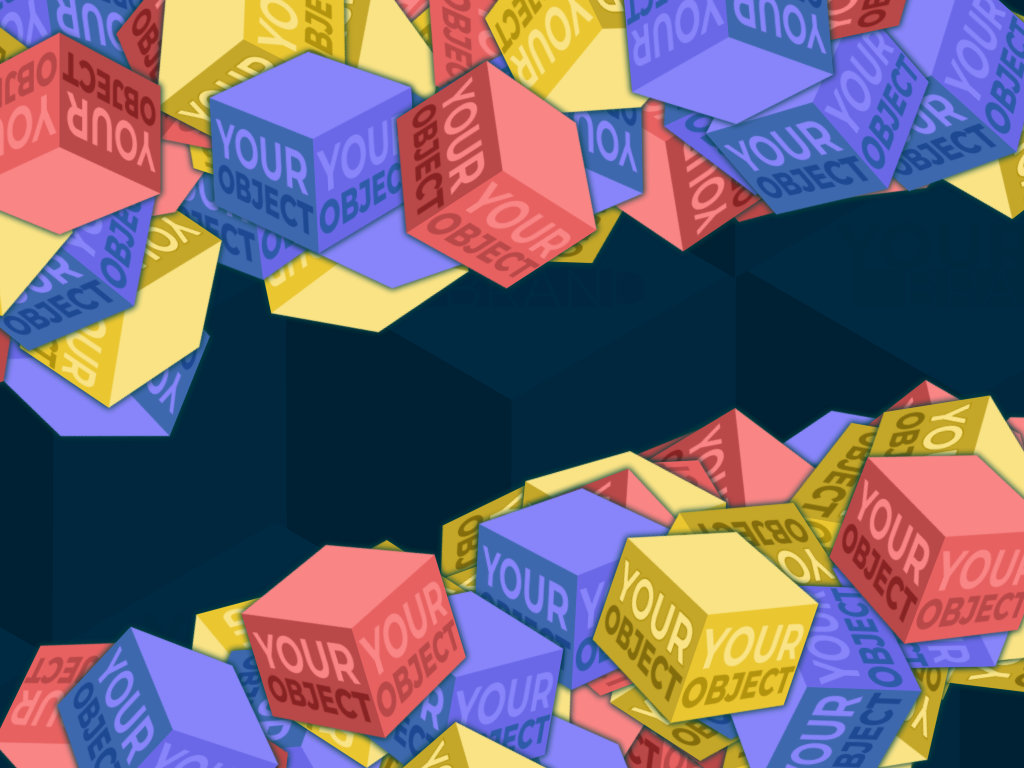
Animation logic
Objects are scattered on the board. As they move across the board, objects run away to the sides from the moving character. After a while, they return to the board again.
Template configuration
You need:
- one graphic for the background
- one or more graphics for fleeing objects
You can set:
parameters for objects
- number of objects
- size of objects
effects for objects:
- shadows under objects
rotation
- None
- Randomly - random rotation of object
- According to the movement - the object will rotate according to its movement direction.
⚠️ Warning: The object graphic should be oriented to the right for proper functioning. For example, if the object is an insect, its body should be in horizontal orientation with the head pointing to the right.

background music
- additional screens
Advanced application operation parameters
Advanced settings available in the template:
- interval - the time between the object's reaction to interactions and the return of the object to its original position.
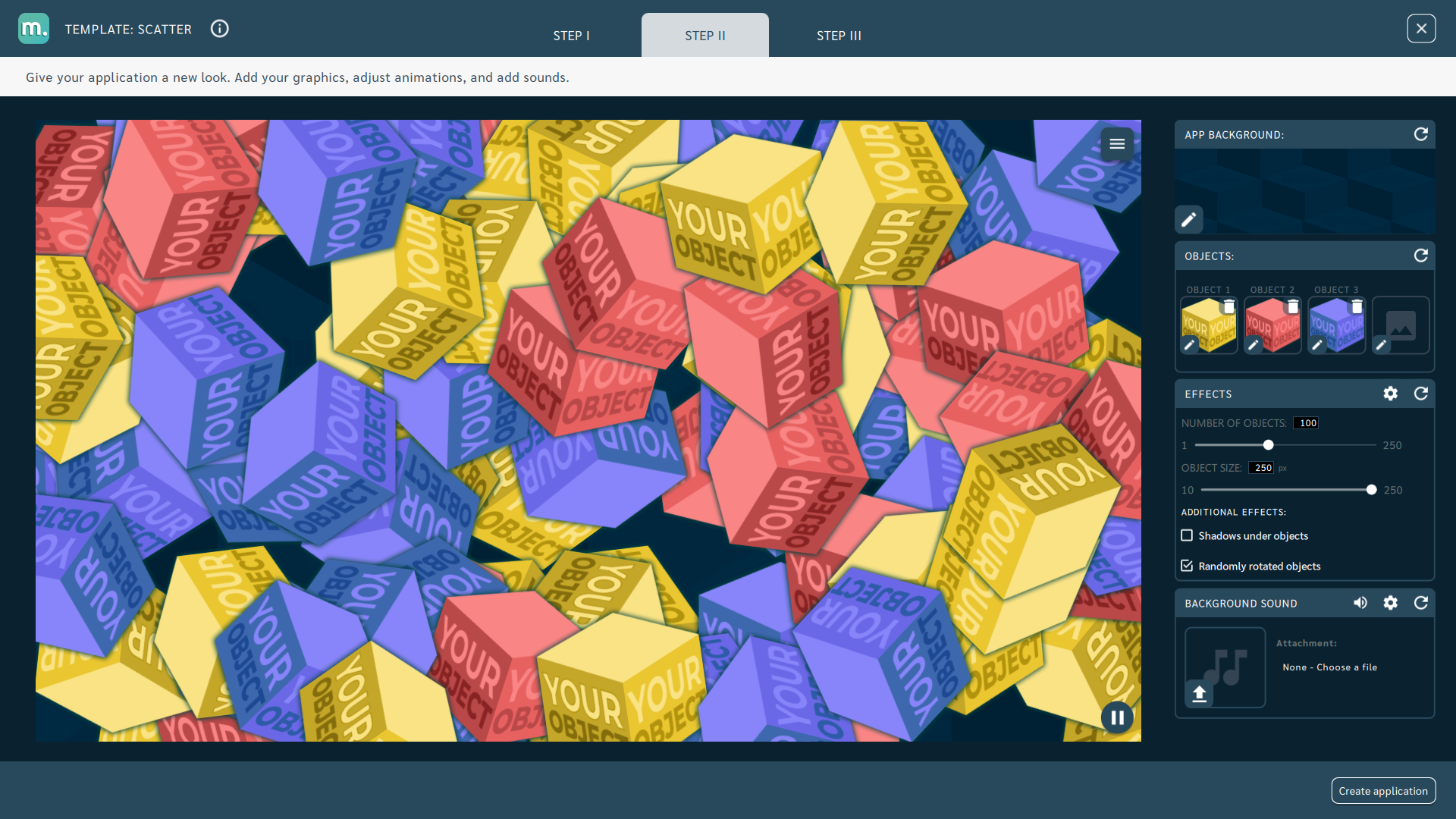
Additional screens available in the template
Within the Scatter template, you can add instruction, intro and start screen. You can use your own dedicated graphics for each screen and set parameters for texts, colours and backgrounds.
Details of screen editing can be found in the chapter Screens configuration.
Recommendations for your graphics and illustrations
Application icon
See chapter Creating an application.
App Background
See chapter Changing the graphics and parameters.
Objects
Recommendations for object graphics in the Scatter template:
- Recommended image file format: PNG (with transparent background)
- Recommended resolution: 308x308px
Motioncube graphics available for use in templates
Use the ready database of Motioncube backgrounds and graphic objects. Import selected elements in the template and create an application.
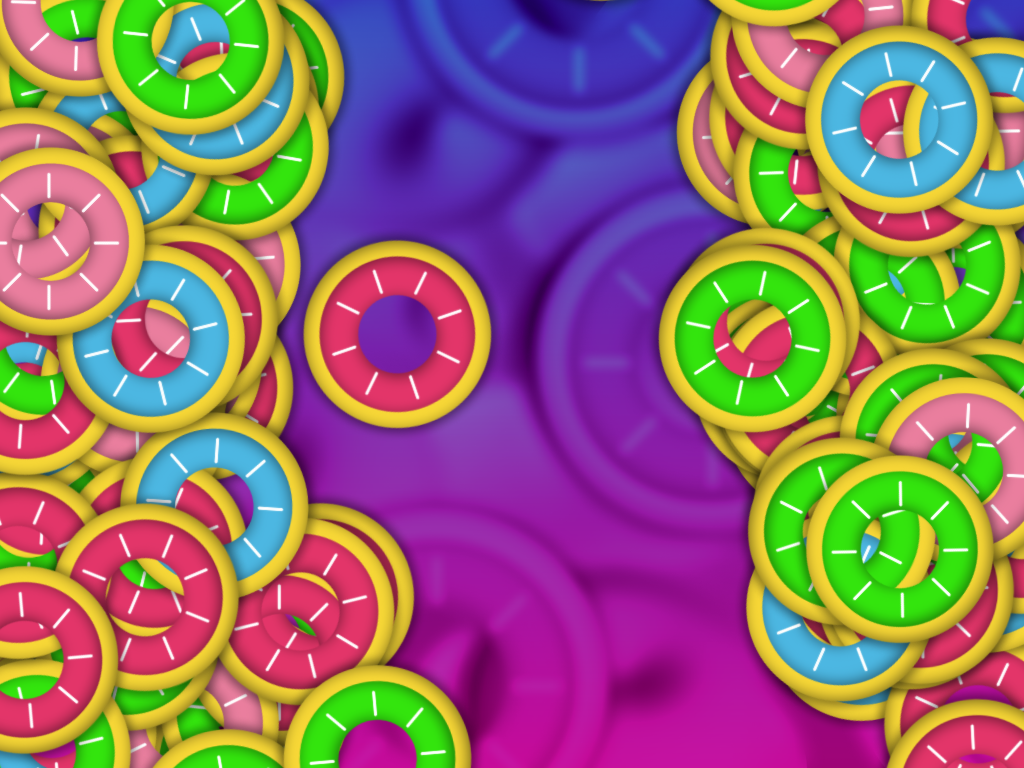
Ideas for using the Scatter template
When looking for app ideas, think about things that:
- they naturally run, hide, or move away from a moving person,
- may be obscured or covered.
Fun and Education - Replace the default objects in the template with nature graphics and encourage children to play actively in discovering and searching for objects on the board.
Events and Entertainment - Replace the default background in the template with a graphic with the slogan of your event. As objects, use graphics of elements related to the event.
Promotion and Advertising - Replace the default objects in the template with your brand logo. Use a background with your corporate identity.
Manage Consents
Control which external services can process your data.
Essential Required
These features are essential for the proper functioning of the website and cannot be disabled.
Anonymous Analytics Required
Required for collecting aggregated statistics that help us understand how users interact with our site. Data is fully anonymous, contains no personal information, and we do not use cookies.
Extended Analytics
Allows analyzing traffic sources (where you came from), marketing campaign parameters (UTM), and navigation paths across subdomains. We use a cookie (7 days) to preserve this data.
External Media
Allows loading content from external services like YouTube or Vimeo.
