Interactive Projection Setup
Depth Calibration > Quick Tuning
To make quick configuration easier, we have prepared two additional setup panels:
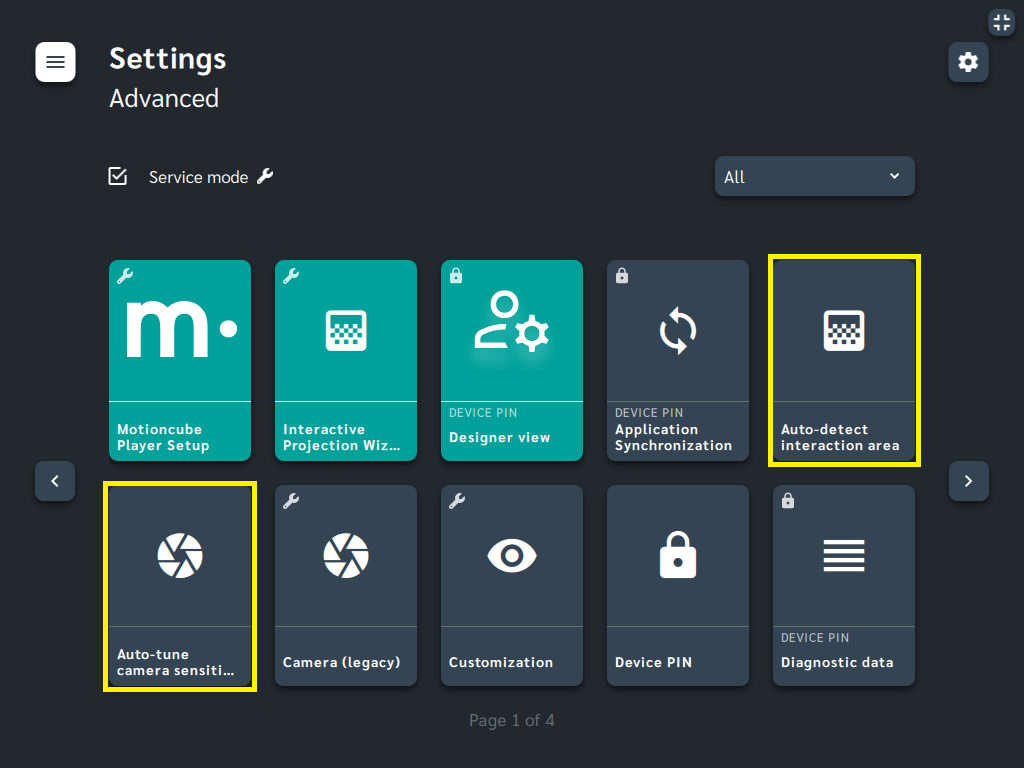
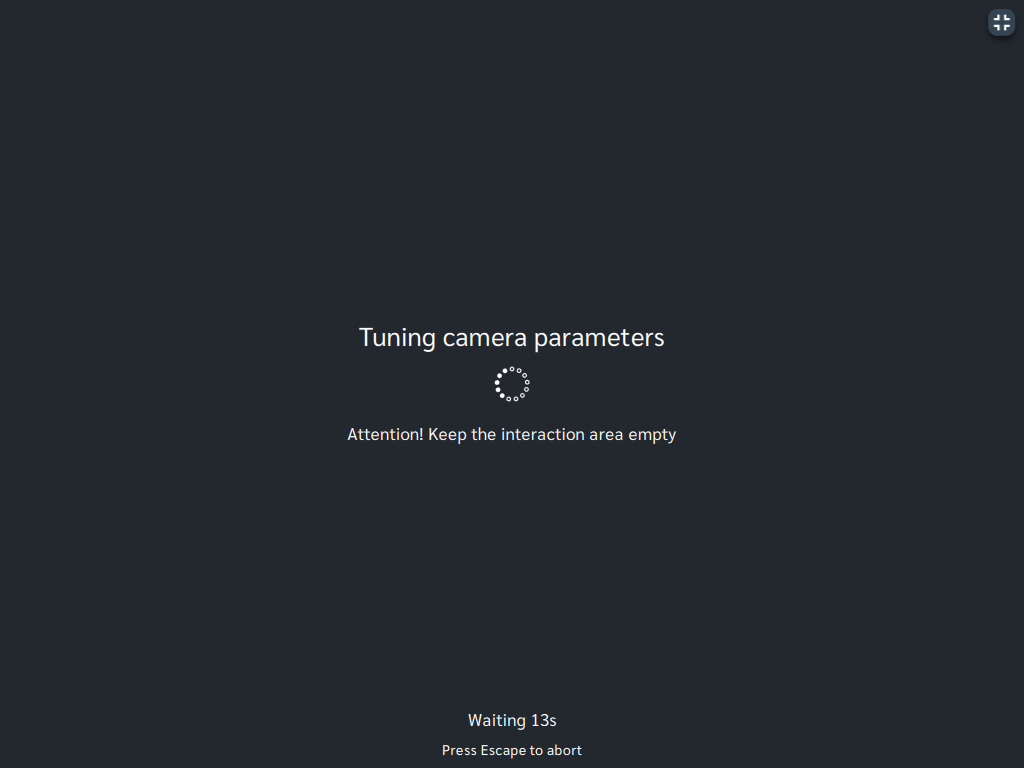
Auto-detect interaction area- it finds the corners of the interaction areaAuto-tune camera sensitivity- it perform recalibration of tilt, range, and motion sensivity parameters
Use them whenever you want to fine-tune the operating parameters.
Note
This may be useful for mobile setups after relocation. It is also recommended if external environmental conditions change and you notice reduced performance of your interactive environment.Important
Use these parameters if you have previously performed the full calibration process.You can find these setup panels in Settings > Advanced.
Manage Consents
Control which external services can process your data.
Essential Required
These features are essential for the proper functioning of the website and cannot be disabled.
Anonymous Analytics Required
Required for collecting aggregated statistics that help us understand how users interact with our site. Data is fully anonymous, contains no personal information, and we do not use cookies.
Extended Analytics
Allows analyzing traffic sources (where you came from), marketing campaign parameters (UTM), and navigation paths across subdomains. We use a cookie (7 days) to preserve this data.
External Media
Allows loading content from external services like YouTube or Vimeo.
