Advanced configuration & administration
Brand customization
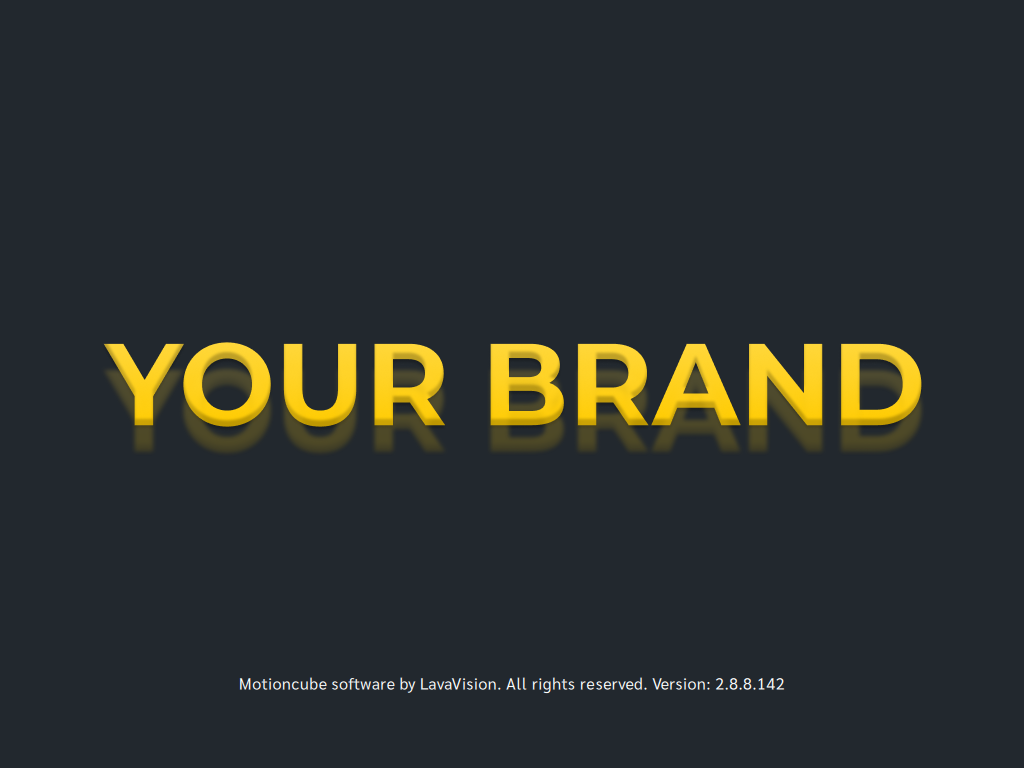
You can brand Motioncube Player with your organization’s or product’s graphics. This lets you present a consistent visual identity on startup and during gameplay.
What you can brand:
- Splash screen (shown while Motioncube starts)
- Application overlay (shown over apps while running)
Recommended assets:
- PNG with transparency
- Image size matching your device’s screen resolution
How to configure:
- Open: Advanced options → Designer mode → Customization tile
- Upload your splash and overlay image
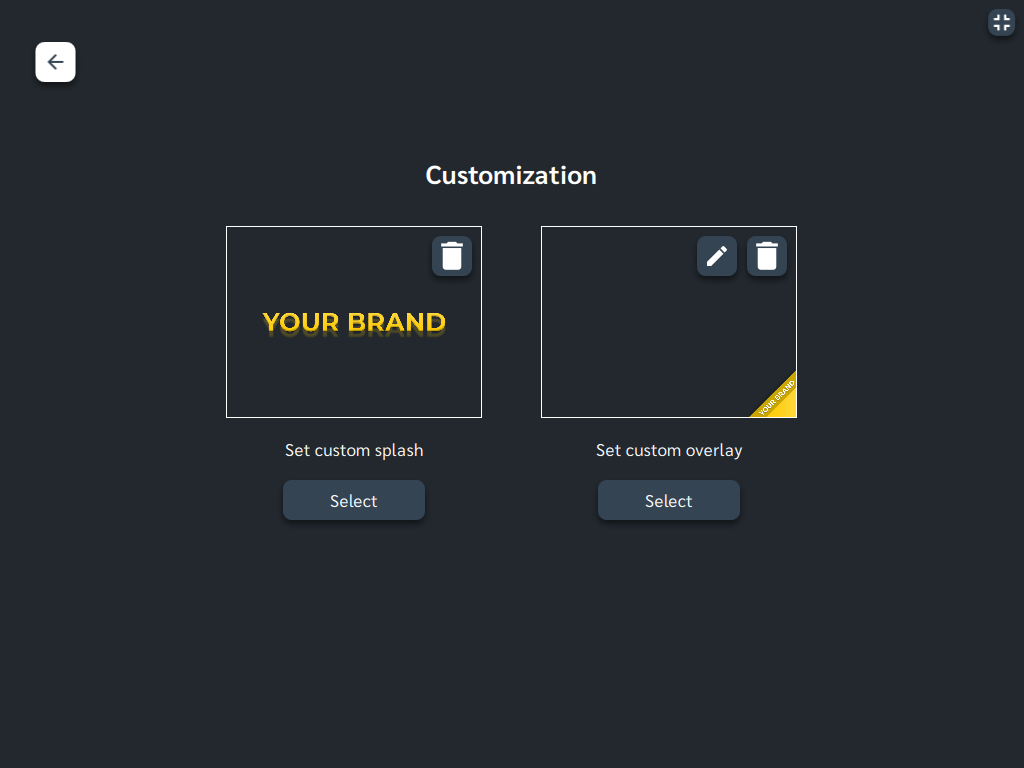
Final preview
- Startup Splash
- Application overlay

Manage Consents
Control which external services can process your data.
Essential Required
These features are essential for the proper functioning of the website and cannot be disabled.
Anonymous Analytics Required
Required for collecting aggregated statistics that help us understand how users interact with our site. Data is fully anonymous, contains no personal information, and we do not use cookies.
Extended Analytics
Allows analyzing traffic sources (where you came from), marketing campaign parameters (UTM), and navigation paths across subdomains. We use a cookie (7 days) to preserve this data.
External Media
Allows loading content from external services like YouTube or Vimeo.
