Interactive Floor User Guide
Mobile control
Operate Motioncube Player on the device with the free mobile app!
Scan the QR code with your mobile device (smartphone, tablet) or go to the Google Play store. https://play.google.com/store/apps/details?id=io.motioncube.MobileControl&hl=en
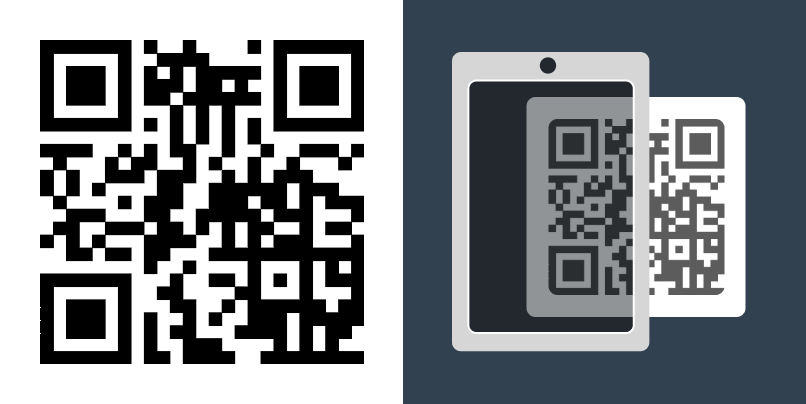
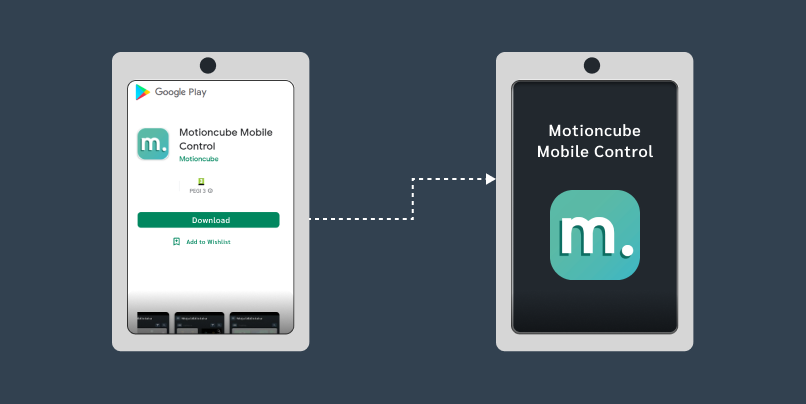
Install the Motioncube Mobile Control application on your mobile device.
*Application available for mobile devices with Android 8.0 or later.
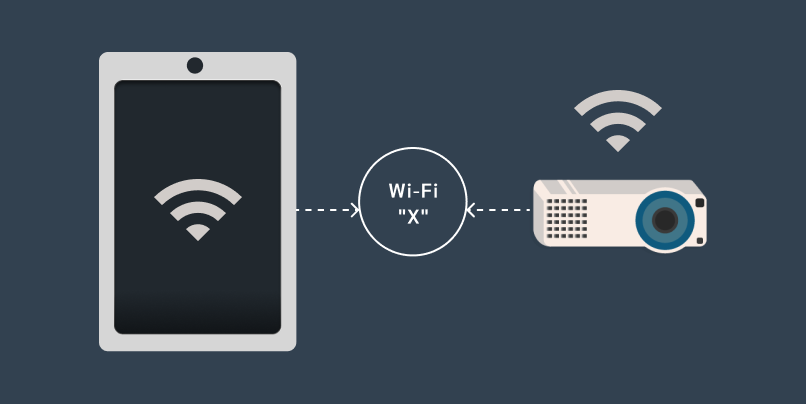
Connect your mobile device to the same network as the interactive device.
Click the Connect Automatically button on your mobile device and on the interactive device.
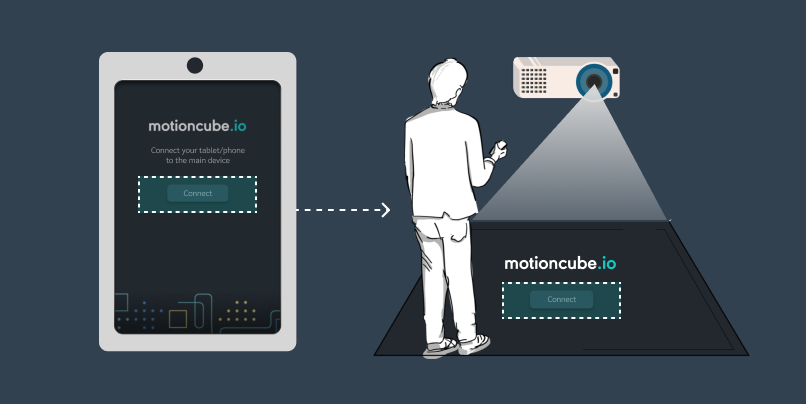
Select and launch Motioncube games from your smartphone.
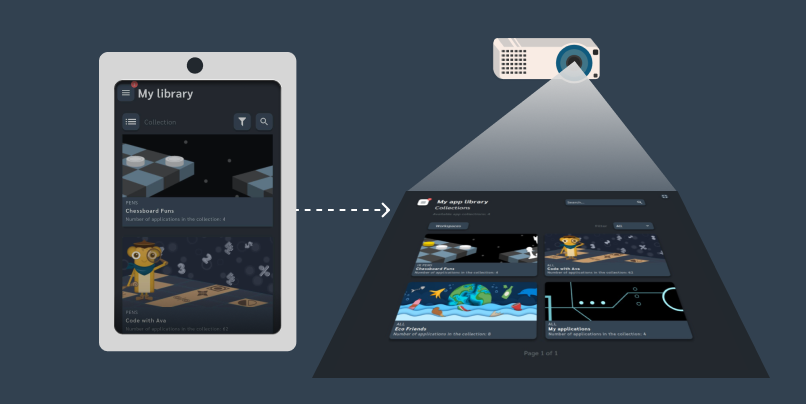
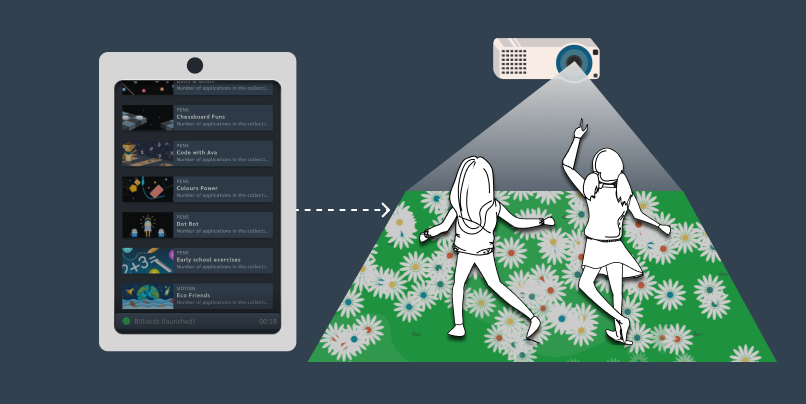
While the children play on the interactive floor, you can freely browse other game collections on your smartphone.
Manage Consents
Control which external services can process your data.
Essential Required
These features are essential for the proper functioning of the website and cannot be disabled.
Anonymous Analytics Required
Required for collecting aggregated statistics that help us understand how users interact with our site. Data is fully anonymous, contains no personal information, and we do not use cookies.
Extended Analytics
Allows analyzing traffic sources (where you came from), marketing campaign parameters (UTM), and navigation paths across subdomains. We use a cookie (7 days) to preserve this data.
External Media
Allows loading content from external services like YouTube or Vimeo.
